The Student Information System (SIS) market has become more complex in recent years. Cloud-based systems are replacing on-premise deployments, integration with Learning Management Systems (LMS) and finance platforms is becoming a baseline expectation, and the pressure to meet compliance and privacy obligations has never been higher. Schools that fail to modernise their SIS risk inefficiencies, frustrated staff, and unnecessary exposure of sensitive student data.
This guide explains what a Student Information System does, what to look for when selecting one, and how Digipro IT helps schools through the process of selecting and implementing the right system.
What is a Student Information System (SIS)?
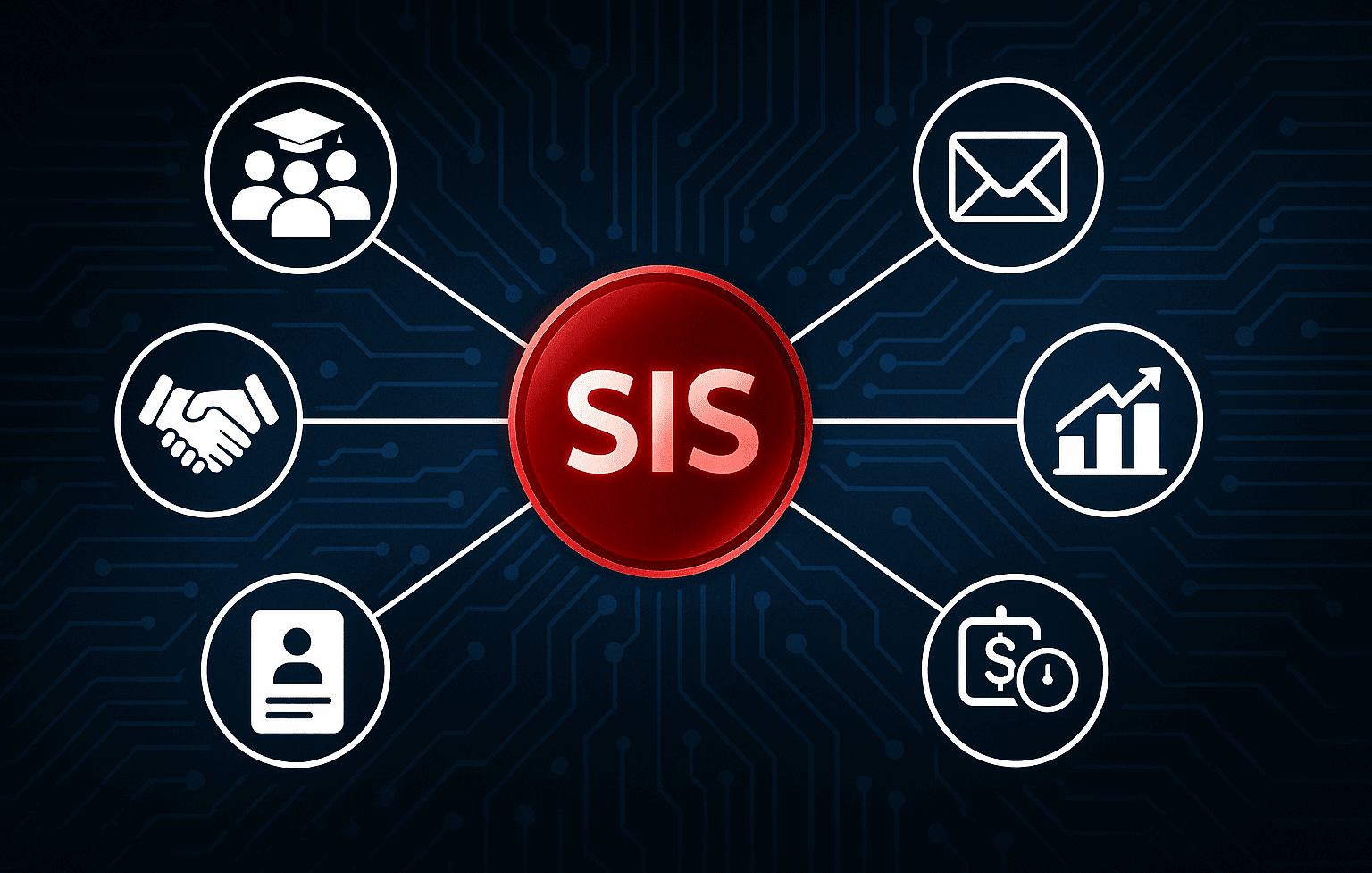
A Student Information System (SIS) is the central repository for a school’s operational data. It manages the student lifecycle from prospective enrolment through to graduation and often beyond to alumni. It usually covers things like:
- Enrolment and admissions
- Attendance and timetabling
- Academic reporting and transcripts
- Behaviour, wellbeing and pastoral care records
- Communication portals for staff, students, and parents
- Fee management and finance integration
- Compliance and regulatory reporting
For many schools, the Student Information System is the operational backbone of a school. A well-chosen SIS means important information like reports, timetables, permission slips, and messages are all stored securely in one portal and accessible to students, school staff, and parents.
What to look for in a Student Information System
The right system balances functionality with security, scalability, and usability. When evaluating platforms, consider:
- Data integrity and security – Does it meet Australian data residency and privacy requirements? Is MFA supported for staff and parent/caregiver access?
- Integration with other apps and systems – Will it connect seamlessly with your LMS, finance, and other existing platforms?
- Usability – Can staff, teachers, parents, and students use it without extensive training? Will they actually want to use it?
- Reporting and analytics – Does it provide flexible reporting tools that satisfy both day-to-day admin needs and compliance requirements?
- Wellbeing and pastoral care – Does it allow confidential notes and workflows for sensitive student information?
- Scalability – Can it handle increased enrolments or new program requirements without costly upgrades?
- Support and vendor stability – Does the vendor understand Australian K–12 schools and provide responsive local support?

How to choose the right Student Information System – step by step
Selecting a Student Information System isn’t just about features – it’s about fit. There’s no one-size-fits-all option. A structured evaluation process tailored to your school is essential.
Step 1: Define requirements – Document what your school needs across administration, teaching, wellbeing, and reporting. Consider both functional and technical requirements. Involve stakeholders across leadership, IT, admin, and teaching staff.
Step 2: Create a scoring framework – Assess systems against weighted criteria, such as integration capability, compliance, and usability.
Step 3: Shortlist and test – Reduce options to 2–3 vendors and run practical demonstrations or pilot programs with real tasks and sample data.
Step 4: Plan for migration – Audit existing data, clean inconsistencies, and develop a migration plan. Poor data quality undermines any new system.
Step 5: Address training and change management – Even the most advanced system will fail if staff aren’t confident using it. Invest in training well before rollout.
Mistakes schools make when transitioning to a new SIS
Transitioning to a new Student Information System isn’t just another software purchase; it’s a decision that reshapes how information flows through a school. A rushed or poorly managed process can leave staff juggling manual workarounds, parents frustrated by inconsistent communication, and leadership without reliable data to guide decisions.
The most common pitfalls we see when schools select or upgrade their SIS include:
- Choosing purely based on vendor reputation rather than a requirements-based evaluation. What matters isn’t a well-known name, but a system that aligns with your school’s processes, integrations, and goals.
- Underestimating the complexity of data migration. Years of consistent records and duplicated entries mean data clean-up and migration could take longer than expected.
- Unnecessarily shoehorning existing workflows or processes into a new SIS. Adapting processes where possible leads to greater efficiencies and reduced frustration.
- Treating SIS implementation as an IT project only. Leaving non-IT staff and stakeholders out of the process could lead to gaps and resistance later.
- Over-customising the system, leading to vendor lock-in and costly upgrades. Excessive tailoring makes upgrades difficult and can trap a school into expensive long-term contracts with little flexibility.
- Neglecting ongoing training and support post-implementation. Staff turnover and new feature releases require regular training and refreshers.
So, which Student Information System should you choose?
There are plenty of established SIS platforms widely used in Australian schools. Some of the more prominent ones in recent times include Compass, Sentral, FACTS, and Veracross. Each provides broad functionality, but their suitability depends heavily on a school’s size, complexity, and existing systems.
Rather than defaulting to the most widely known brand, schools should benchmark these options against their documented requirements. A system that works well in one context may be poorly suited in another.
If you’re unsure which Student Information System to implement, Digipro IT can help you decide!
How Digipro IT can help
At Digipro IT, we assist schools through the entire SIS selection and implementation lifecycle:
- Requirements gathering – Workshops with leadership, IT, and admin staff to document functional and compliance needs.
- Market scan and shortlisting – Identifying the systems that align with your requirements and budget.
- Scoring and evaluation – Building structured scorecards to compare shortlisted options objectively.
- Migration and integration planning – Preparing data for migration and mapping integrations with LMS, finance, and identity systems.
- Implementation support – Project managing rollout phases, training, and post-rollout support.
This approach ensures that the chosen Student Information System is not only technically sound but also aligned with your school’s operational and strategic goals.
Your school deserves the right SIS
Choosing the right Student Information System requires careful evaluation, stakeholder involvement, and a structured process. Getting it right means efficiency, compliance, security, and a better experience for staff, students, and parents.
If your school is considering an upgrade or a transition to a new SIS, contact Digipro IT so we can help you approach the process with confidence.